Managing Inspection Notes Without Losing Details
Capture accurate inspection notes every time with digital tools that improve pool compliance documentation, reduce errors, and streamline inspectors' workflows.
Capturing Accurate Notes Every Time
Every experienced pool inspector has faced the same situation. You finish an inspection, drive to the next property, and suddenly wonder whether you measured the gate latch correctly or whether the CPR sign was faded or missing. Small details can quickly become difficult to recall, especially after several inspections in a busy day.
Inspection notes are far more than personal reminders. They form the foundation of your reports, support compliance decisions, and provide evidence if a certificate or inspection outcome is ever questioned. Missing information can lead to unnecessary follow-up visits, delayed reports, or avoidable risk for your business.
Modern digital inspection software helps inspectors record complete, organised information at the point of inspection, building confidence in your documentation while improving accuracy and efficiency.
Why Accurate Inspection Notes Matter
Every inspection tells a story about the condition of a pool barrier at a specific point in time. Your notes become the evidence supporting your findings.
Good pool compliance documentation should clearly demonstrate:
- What was inspected?
- What was observed?
- Any defects identified.
- Measurements taken.
- Recommended actions.
- Supporting photos and evidence.
If any of these elements are incomplete, clients, councils, or property owners may raise questions later.
Detailed notes also make report writing significantly faster because you're not trying to reconstruct events from memory hours later.
The Problem with Manual Note-Taking
Many inspectors still carry notebooks or make quick handwritten observations before transferring everything into a report back at the office.
While this approach may feel familiar, it introduces several risks.
Forgotten Details
Even experienced inspectors cannot remember every observation after completing multiple inspections in one day.
Questions like:
- Was the latch self-closing consistently?
- Which section of fencing had the gap?
- Was that cracked panel on the eastern or western boundary?
become surprisingly difficult to answer later.
Double Handling Information
Writing notes on paper and then typing them into software later doubles the workload.
This extra administration:
- Takes valuable office time.
- Creates opportunities for typing mistakes.
- Delays report completion.
- Increases fatigue.
Inconsistent Documentation
Different inspectors often record information differently.
One inspector may include measurements.
Another may simply write "needs repair."
Without consistency, report quality varies between staff members.
Digital Notes Keep Information Complete
Modern inspection software changes the way inspectors collect information.
Instead of writing separate notes, inspectors enter observations directly into structured digital forms during the inspection.
All required fields are captured before the inspection can be completed.
This naturally improves the overall inspector workflow while reducing missing information.
Capture Notes While Standing at the Barrier
The best inspection notes are recorded immediately.
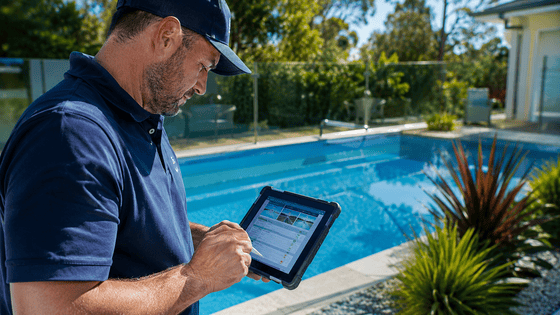
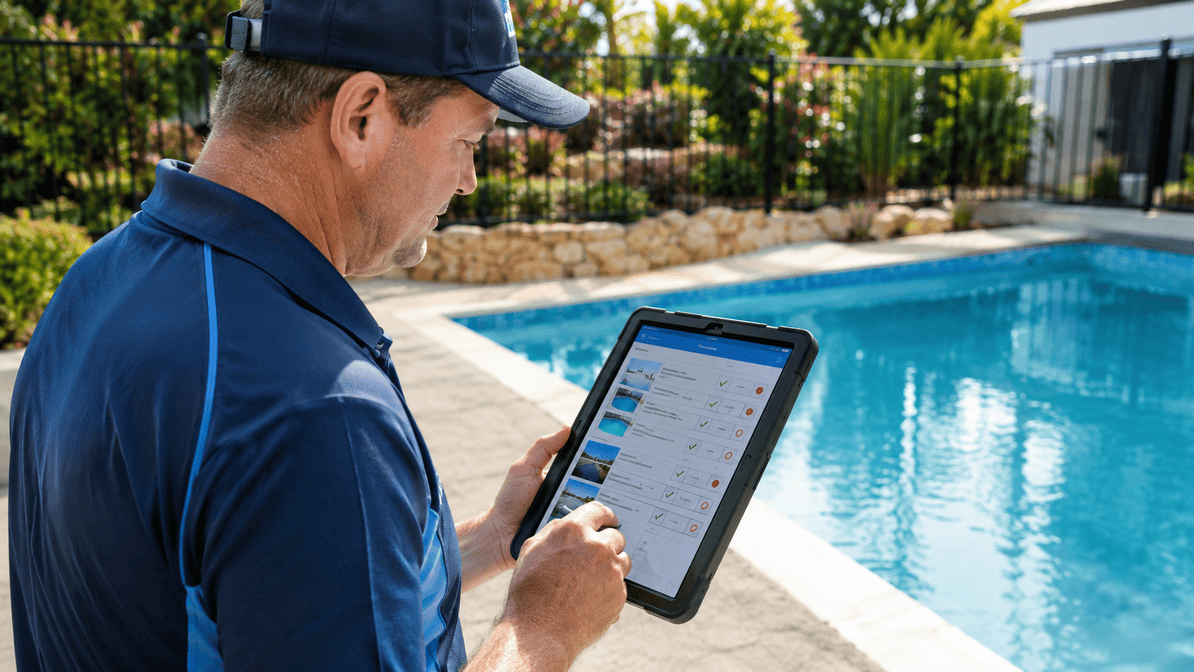
When inspectors enter information on a mobile phone or tablet while standing beside the pool, observations remain fresh and accurate.
Examples include:
- Exact fence measurements;
- Gate closing performance;
- Barrier heights;
- Location of defects;
- Condition of signage; and
- Non-compliant objects nearby.
Recording information immediately eliminates guesswork later.
Standardised Checklists Reduce Missed Items
One of the biggest advantages of digital inspections is consistency.
Rather than relying on memory, inspectors follow the same checklist every time.
This ensures each inspection covers:
Barrier Requirements
Every section of fencing is assessed consistently.
Gates and Latches
Self-closing and self-latching mechanisms are recorded using the same process.
Signage
Required CPR signage is checked and documented at every inspection.
Supporting Evidence
Photos can be attached directly to each observation instead of being stored separately.
Nothing is forgotten because the inspection process guides the inspector from beginning to end.
Photos Become Part of the Notes
A written observation is valuable.
A written observation supported by photographs is even stronger.
Instead of storing images separately on a phone, digital inspection software links each photo directly to the relevant inspection item.
For example:
- Broken latch photo attached to gate section.
- Fence gap photo linked to boundary inspection.
- Missing CPR sign attached to signage checklist.
This creates far stronger pool compliance documentation and makes reports much easier for clients to understand.
Voice Notes and Mobile Entry Speed Up Inspections
Some defects require more explanation than a simple checklist item. can provide
Rather than typing long descriptions, inspectors can quickly dictate notes using voice-to-text on their mobile device.
Examples include:
"Gate self-closes correctly but latch intermittently fails to engage due to hinge alignment."
This allows inspectors to capture detailed observations without slowing down on site.
Organised Notes Improve Report Quality
When inspection notes are already structured, report generation becomes much simpler.
Instead of manually gathering:
- Paper notes;
- Photos;
- Measurements; and
- Client information.
Everything already exists in one location.
The final inspection report becomes a natural extension of the inspection rather than a separate administrative task.
Clients also receive reports sooner, improving overall customer satisfaction.
Better Documentation Protects Your Business
Inspection records may need to be reviewed months or even years after they were created.
Detailed digital records provide confidence when questions arise.
Well-organised records can demonstrate:
- Exactly what was inspected.
- When it was inspected.
- Supporting photographs.
- Inspector observations.
- Compliance decisions.
- Historical inspection history.
Strong documentation protects both inspectors and clients by providing a complete audit trail.
Managing Multiple Inspectors Becomes Easier
As inspection businesses grow, maintaining consistency across the team becomes increasingly important.
Digital inspection software helps ensure every inspector records information using the same standards.
Managers can be confident that:
- Every inspection follows the same workflow.
- Required observations are completed.
- Reports maintain consistent quality.
- Compliance documentation meets business standards.
This consistency strengthens both operational efficiency and customer confidence.
Spend Less Time Remembering, More Time Inspecting
The goal of digital inspections is not simply replacing paper.
It is creating a smoother inspection process in which information is captured once, automatically organised, and immediately available for reporting.
Instead of spending evenings deciphering handwritten notes or searching through camera galleries, inspectors can complete inspections knowing every detail has already been recorded.
That means:
- Faster reports;
- Fewer mistakes;
- Better compliance documentation;
- Less administration; and
- A more efficient business.
How Pool Inspector App Helps
Pool Inspector App, powered by Formitize, is designed specifically for inspectors who need reliable, accurate records without increasing administrative work.
With mobile inspection forms, integrated photo capture, structured checklists, automated reporting, secure cloud storage, and centralised client records, inspectors can capture every important detail during the inspection itself. The result is more consistent documentation, faster report delivery, and greater confidence that every inspection is backed by complete evidence.
Whether you're completing a handful of inspections each week or managing a busy inspection business, digitising your inspection notes improves productivity and strengthens compliance.
Start Capturing Every Detail with Confidence
Accurate notes are the backbone of professional pool inspections. The right digital tools make it easier to record complete information, produce reliable reports, and maintain high standards across every job.